Publication
Grow an audience that is itself the product
- Best when
- Newsletter-first creators who want growth and monetization built in
- From
- $59/month · free plan
Creator CRM
Convert an audience into buyers
- Best when
- Creators who sell products or courses off the back of a list
- From
- $33/month · free plan
Quick verdict
Choose beehiiv if the newsletter is the product. Growth tooling, a hosted website and two monetization paths are built in, and the free plan runs to 2,500 subscribers.
Choose Kit if the newsletter sells something else. Tag-based subscribers and visual automations are built for creators with a course, a coaching offer or a product catalogue behind the list.
The two are not really competing for the same job. Most of the difficulty in choosing comes from feature lists that look similar at a glance and diverge completely in what they are optimised for.
At a glance
| Tool | Best for | Free plan | Starting price | CreatorStrata verdict | Visit |
|---|---|---|---|---|---|
| beehiiv | Newsletter-first creators who want growth and monetization built in | Yes | $59/month | Publishing platform with growth and monetization built in. | Visit |
| Kit | Creators who sell products or courses off the back of a list | Yes | $33/month | Creator CRM with the strongest automation of the two. | Visit |
Scroll the table sideways to see every column.
Pricing
beehiiv has a free plan up to 2,500 subscribers that includes the newsletter, a hosted website and unlimited sends — but not a custom domain, not automations, and no way to charge anyone. Paid Lite starts at $59/month billed monthly ($49/month equivalent on annual billing) and adds the custom domain, the ad network, paid subscriptions at a 0% take rate, ten live automations and two seats. Branding removal, unlimited automations and the sponsorship storefront sit on Pro at $109/month.
beehiiv re-cut these tiers in October 2026. Articles written before that — including an earlier version of this one — describe plans called Launch, Scale and Max; those are now Free, Lite and Pro, and the entry paid price went from $49 to $59 billed monthly.
Kit has a free plan up to 10,000 subscribers covering unlimited forms, landing pages and broadcasts — but not automations. Creator starts at $33/month billed monthly at 1,000 subscribers ($390/year annually) and unlocks unlimited visual automations and sequences. Pro at $66/month adds engagement analytics, deliverability reporting and the referral system.
Reading those numbers correctly matters more than comparing them. Kit’s entry price is lower, but Kit’s free plan does not include the feature most people are choosing Kit for. beehiiv’s entry price is higher, but its free plan is a working version of the product. If you are early, beehiiv is effectively cheaper for longer. If you are already selling something, Kit’s paid tier is the actual starting line and $33 is the real number.
Both scale with subscriber count, so check the price at the list size you are aiming for rather than the one you have.
Ease of use
Both are approachable; they are just approachable at different things.
beehiiv’s setup path is publication-shaped: create a publication, set up the website, write a post, hit send. Someone who has run a blog will recognise every step.
Kit’s setup path is business-shaped: create a form, tag what it captures, decide what happens to that tag. That is more to understand before anything goes out, and it is the whole point — Kit asks you to model your audience up front so the automations have something to act on.
We have now timed both. One person set each platform up once, in October 2026, working through the same task: sign up, add a subscriber, build one issue with a heading, two paragraphs, an image and a link, and send it for real.
From the signup button to that email arriving took 12 minutes of handling on beehiiv and 13 on Kit, counting waiting time — confirmation emails, mostly — separately. Both took 20 screens that required an entry or a choice. beehiiv ran second in our testing and Kit third, so the two are at least comparable with each other, and the honest reading of a one-minute gap is that there is no gap: both reach a first send in about a quarter of an hour. This is not the part of the decision worth agonising over.
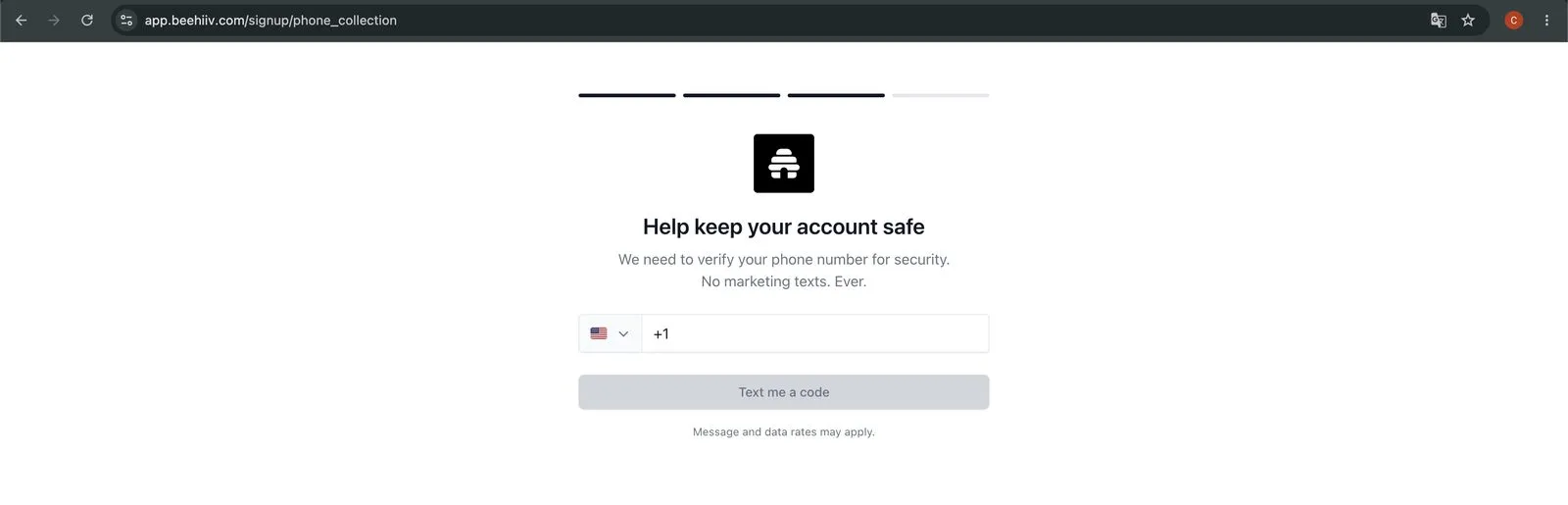
What did differ is what each asks for on the way in. beehiiv wants a name, an email, a password and a phone number, and sends an SMS code before it lets you to the dashboard. Kit wants an email and a password, then five screens of questions about what you intend to do with the account. Neither is onerous; only one of them requires you to hand over a phone number.
Newsletter creation and design
beehiiv’s editor is built for publishing: post-shaped content, a hosted archive, a custom domain once you are paying, and a subscribe experience that looks like a publication rather than a form. The website comes with the newsletter instead of being a separate project.
Kit’s email design is deliberately plain. That is a real philosophical position, and one plenty of creators share on purpose — but if you want a visually distinctive publication, you will feel the constraint. Kit gives you unlimited landing pages and forms, which are strong, but they are marketing pages rather than a publication home.
Automation
This is the clearest split between the two.
Kit wins decisively. Visual automations, unlimited sequences, tag- and event-based branching, and a subscriber model designed for people who exist in several states at once — waitlisted, purchased, lapsed. If you need “if they bought the course, skip the next three emails and tag them for the advanced list,” Kit does that natively and legibly.
beehiiv has automations from the Lite plan — ten live workflows, unlimited on Pro — and they are adequate for welcome sequences and simple triggers. They are not built for multi-branch sales logic, and beehiiv does not pretend otherwise.
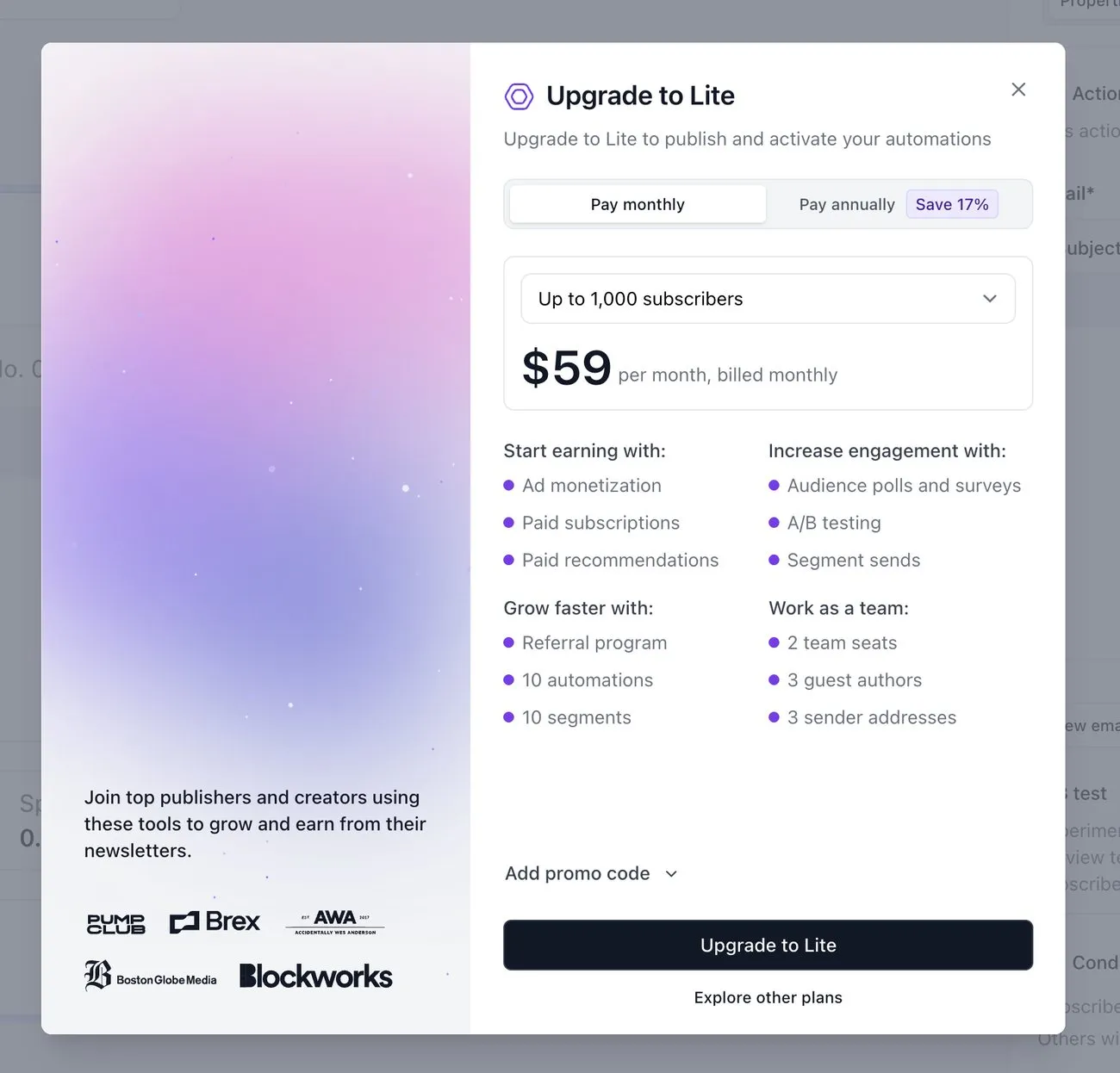
Where the two platforms draw that line is worth knowing before you start building. On beehiiv’s free plan you can open the builder, pick a trigger and write the email; the wall arrives when you press Publish, which asks you to upgrade to Lite “to publish and activate automations”. Kit stops you at the door instead — its free plan will not open the sequence editor at all. Same answer, different amounts of work done before you hear it.
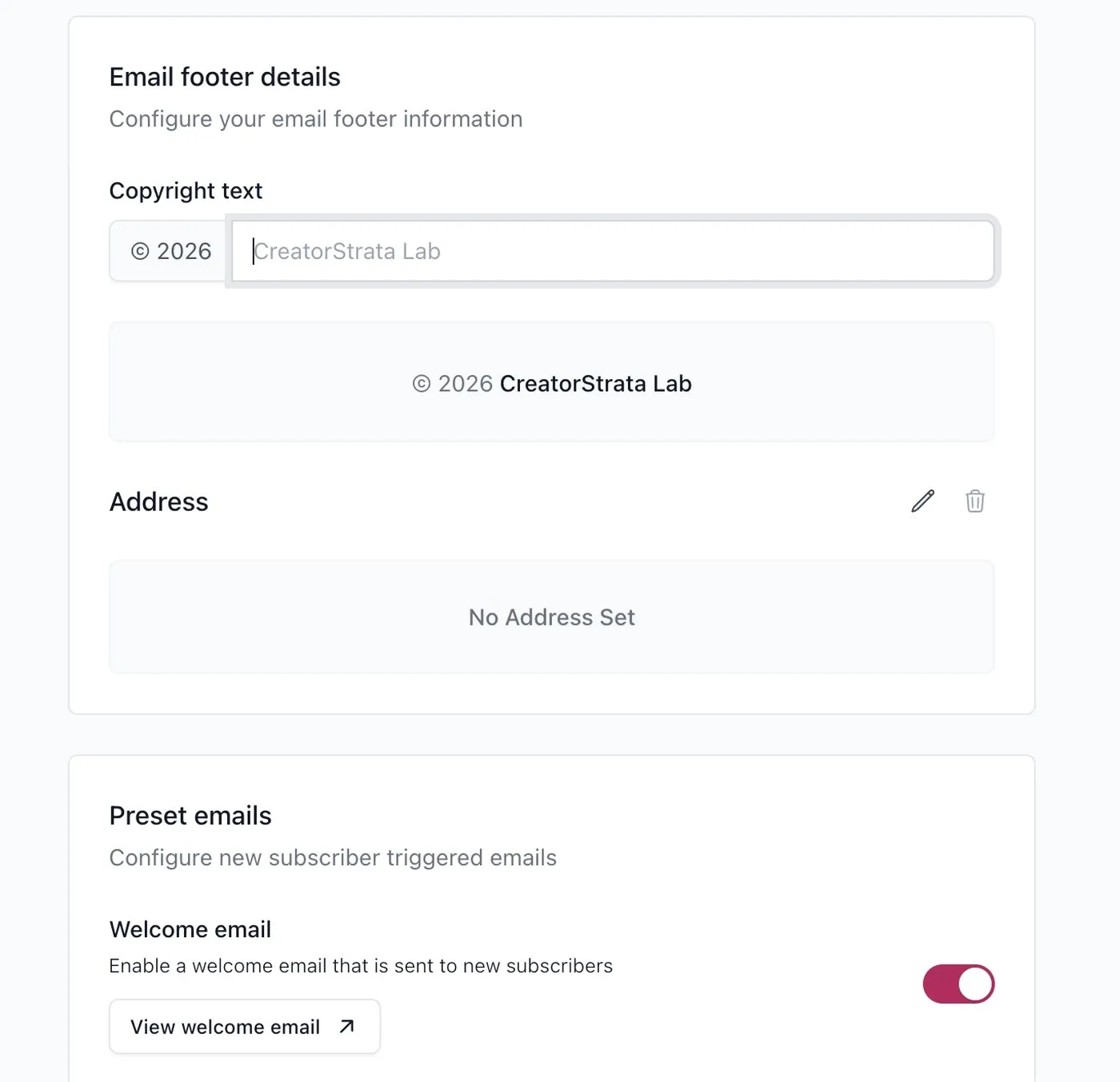
What the free plan does give you is a single welcome email, sent when someone subscribes. It is a switch in the settings rather than a workflow, and it kept running after our trial expired.
Growth
The split reverses here.
beehiiv wins. The recommendation network puts your newsletter in front of other newsletters’ subscribers at the moment they sign up, and referral tooling is built in. For a newsletter whose growth is the business metric, having that inside the platform rather than assembled from three services is a genuine structural advantage.
Kit has a Creator Network and recommendations too, but growth is not the centre of gravity the way it is at beehiiv. Kit assumes you have an audience coming from somewhere — a podcast, a YouTube channel, a course launch — and focuses on what happens after.
Monetization
beehiiv offers two native paths: an ad network that matches sponsors to newsletters, and paid subscriptions with a 0% platform take rate from Lite up. Both are aimed at a newsletter that earns money by being read.
Kit sells digital products and paid subscriptions directly, so you can run a product business without a separate checkout. That is money from something you made, not from your attention.
Which of those is “better” is just the same question again: is the newsletter the product, or the shop window?
Pros and cons
beehiiv — pros: genuinely usable free plan to 2,500 subscribers; the growth network is on every plan, free included; ad marketplace and paid subscriptions from Lite; newsletter and website in one place. beehiiv — cons: the free plan has no custom domain, no automations and no monetization; higher entry paid price; branding removal needs Pro; signup requires a phone number.
Kit — pros: the strongest visual automation of the three tools we cover; tag model fits multi-offer businesses; huge free tier for list holding; sells digital products natively; free migration. Kit — cons: automations locked behind the paid plan; plain email design; per-1,000-subscriber pricing bites early; deeper reporting needs Pro.
Who should choose beehiiv?
- Your newsletter is the business, or you want it to be
- You want sponsorship or paid-subscription revenue from the newsletter itself
- You want a newsletter website without building one
- You are under 2,500 subscribers and want to prove the idea before paying
- Growth is the metric you check first
Who should choose Kit?
- You sell a course, coaching, templates or any product, and email is how people get there
- You need branching automations, not just a welcome sequence
- You segment heavily and think in terms of subscriber states
- You want landing pages and forms without another tool
- You are migrating an existing list and want help doing it
Alternatives
If neither shape matches yours, MailerLite does capable email marketing from $12/month with automations included — the value option when your requirements are more modest than either platform above assumes. The Kit vs MailerLite comparison covers that trade-off directly, and the full round-up puts all three side by side.
FAQ
Is Kit the same as ConvertKit? Yes. ConvertKit rebranded to Kit; it is the same product and company.
Can I use both? Technically yes, and some creators run a publication on beehiiv and a product funnel on Kit. You are then paying twice and syncing two lists by hand. Worth it only when both sides are genuinely substantial businesses.
Which has better deliverability? Neither publishes numbers that would let anyone answer this honestly, and deliverability depends far more on your list hygiene, sending consistency and domain authentication than on the platform. Treat any article confidently ranking these two on deliverability with suspicion.
Which is better for a beginner? beehiiv, if “beginner” means you have no audience yet — the free plan gives you room to find out whether the newsletter works. Kit, if “beginner” means new to email but already selling something.